Screens
Using Application Screenshots
Application screenshots should represent the SkySafe platform accurately and professionally at all times. Only approved, current product views may be used, and screenshots must reflect real user experiences without modification to UI elements, data structures, or system behavior. Cropping is permitted to highlight relevant functionality, but the interface, layout, and visual hierarchy should remain intact. Screenshots should never be stylized, overlaid with effects, or altered in ways that could misrepresent product capabilities or imply unreleased features.
download images
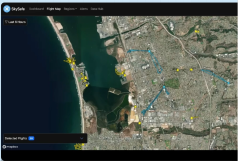
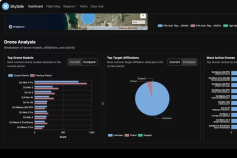
To download individual images, right click and save as...
Using Application Videos
Application videos should clearly and truthfully demonstrate SkySafe functionality in real-world workflows. Recordings must use approved environments and up-to-date product versions, avoiding mock data that could be interpreted as live or customer-specific unless explicitly labeled. Edits should be limited to trimming, sequencing, and callouts that improve clarity, without altering or exaggerating system behavior. Videos should reinforce trust by showing realistic interactions, accurate performance, and authentic outcomes consistent with the current SkySafe product experience.